Phishing used to be easy to spot: bad grammar, a strange sender and a link to a bank you have never used. In 2026, attackers use clean design, correct branding and details pulled from your public profiles. The message may arrive as a shared document, an invoice, a delivery update or a message from your boss. The goal is the same: get you to click, log in or pay.
The Signals That Still Work
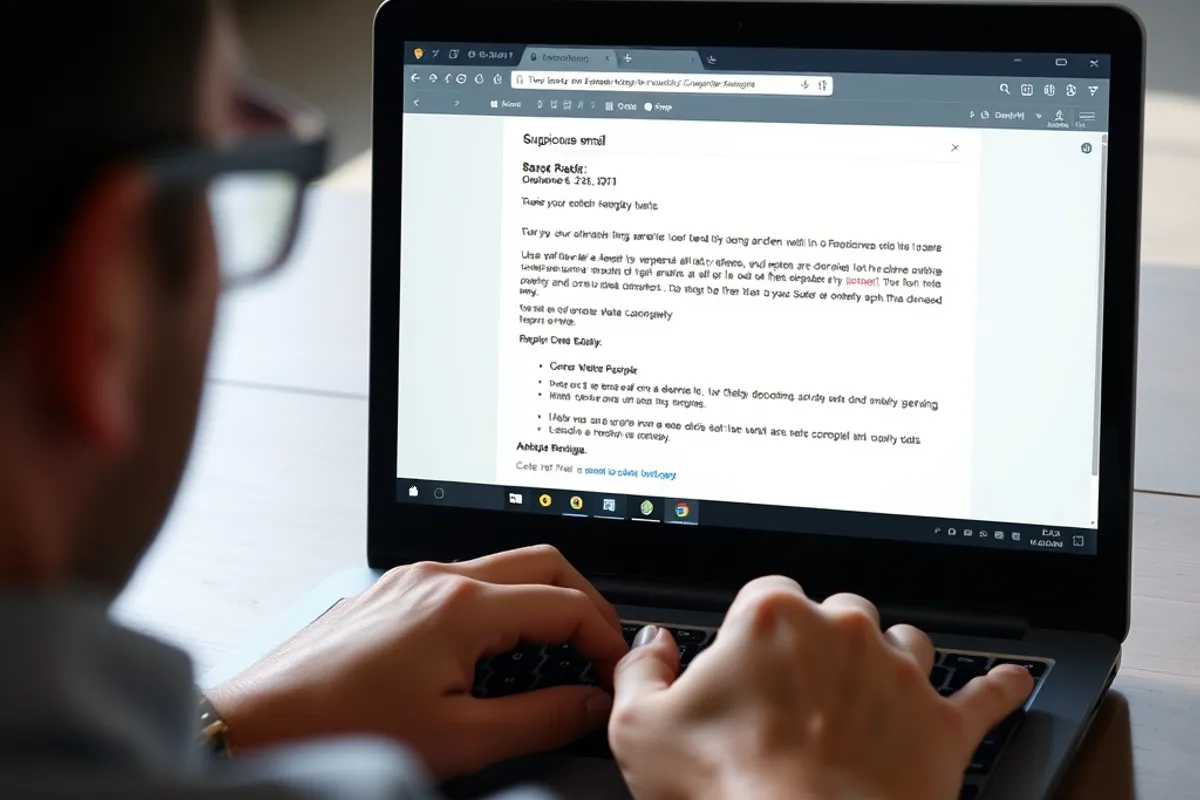
No single signal proves a message is fake, but several together should stop you. Check the sender address, not just the display name. Hover over links and read the real destination, especially on mobile where the address is often hidden. Be suspicious of urgency, unexpected attachments and any request to change payment details. A message that pressures you to act within minutes is designed to bypass your judgement.
- Sender: look at the full address and reply-to
- Links: compare the domain with the official one
- Attachments: avoid unexpected archives and documents
- Payment: verify changes by phone on a known number
- MFA: use an app or hardware key, not SMS alone
Targeted Attacks Are Personal
Spear phishing uses your name, your role and details from LinkedIn or a company website. An attacker may know which software you use and reference a real project. That is why "it mentions something true" is not proof of legitimacy. The more specific the message, the more carefully you should verify the request through a separate channel.
Watch for messages from executives asking for secrecy or a quick favour, especially gift cards or wire transfers. Real leaders do not ask staff to bypass finance controls. Establish a call-back rule for any payment change, using a number from your own records, not the one in the email.
Verify through a channel the attacker does not control. A reply to the suspicious email is not verification.
Links, QR Codes and Fake Login Pages
Attackers increasingly use QR codes to move the attack to a phone, where URL inspection is harder. Do not scan a code from an unexpected poster or email. If you land on a login page, check the domain carefully and avoid entering credentials after arriving from a message. Type the official address yourself or use a bookmark.
Password managers help here: they only autofill on the correct domain, so a lookalike site often gets nothing. If the manager refuses to fill, treat that as a warning. Also be wary of browser pop-ups claiming your device is infected; they are almost always fake and often lead to a support scam.
Multi-Factor Authentication and Recovery
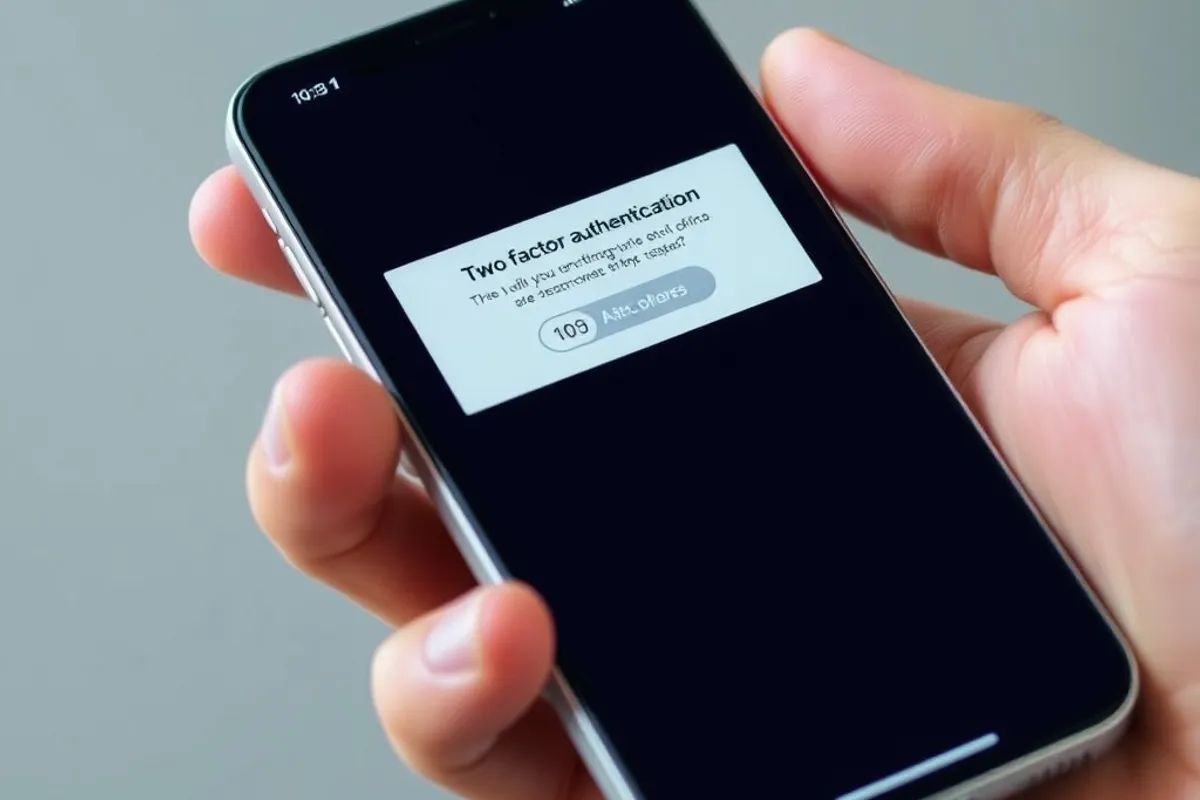
Turn on multi-factor authentication everywhere, starting with email. Prefer an authenticator app or a hardware security key. SMS is better than nothing but vulnerable to SIM swaps and interception. Save recovery codes somewhere offline, and remove old phone numbers from accounts you no longer use.
If you receive an unexpected MFA prompt, do not approve it. Repeated prompts can mean someone already has your password and is trying to get in. Change the password immediately, sign out of all sessions and check account activity. For the network side, our home network security checklist covers the devices that store your sessions.
If You Clicked
Act quickly and in order. Disconnect the device from the network if you downloaded something. Change the affected password from a different, trusted device. Revoke active sessions, enable MFA if it was off, and check for new forwarding rules, app passwords or payment methods. Tell your IT contact or bank immediately; early fraud reports are far easier to resolve.
Report the message to your provider and, where available, to the national authority. Reporting helps others even if your account is safe. The CISA phishing guidance explains how to report and what to preserve as evidence.
Build the Habit
Slow down on any message that asks for credentials, money or a click. Verify through a second channel, use a password manager and keep MFA on. No filter catches everything, and attackers only need one good day. A two-minute pause is the cheapest security control you own.