Home network security sounds like a specialist topic. In practice, most incidents come from three unglamorous causes: a router still using the password printed on the box, firmware that has not been updated in years, and a smart device nobody remembers connecting. Fixing those three closes the door on the majority of opportunistic attacks.
Start at the Router
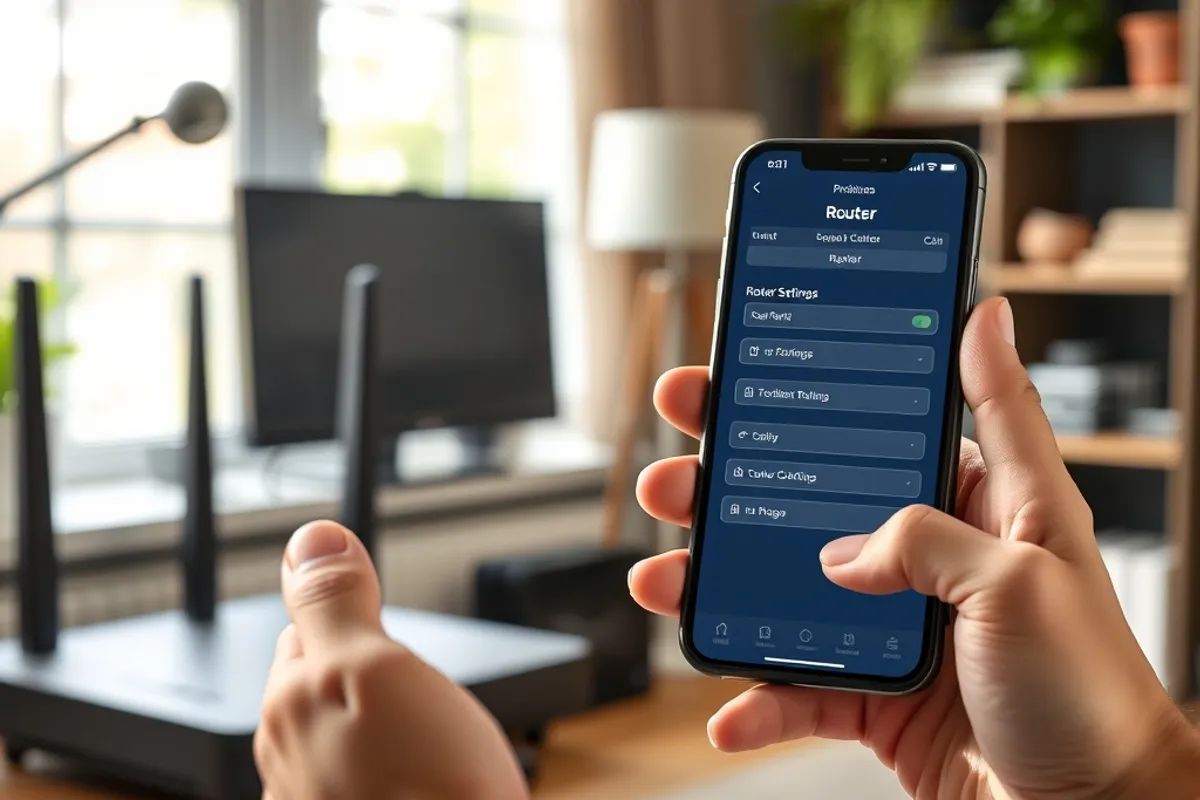
The router is the front door for every device in the house. Change its admin password to something long and unique, and store it in a password manager. Disable remote administration from the internet unless you genuinely need it. Turn off WPS, the push-button pairing feature that has a long history of weakness. Rename the network so it does not advertise the router model, and use WPA3 if every device supports it, otherwise WPA2 with a strong passphrase.
- Admin password: unique, 16+ characters, in a manager
- Wi-Fi: WPA3 or WPA2, no WEP or open networks
- Firmware: enable automatic updates where possible
- Guest network: separate for visitors and smart devices
- Backups: encrypted, off-site, tested once a quarter
Update Everything on a Schedule
Firmware fixes are the cheapest security you will ever install. Enable automatic updates on the router if the option exists, and check manually every month if it does not. Do the same for computers, phones, browsers and the apps that hold your accounts. Reboot the router occasionally; some models apply pending updates only after a restart.
Replace hardware that no longer receives updates. A router or smart camera that has not been patched in three years is a door with a broken lock. Budget for replacement rather than hoping it goes unnoticed.
An unpatched router is not a small risk. It is the fastest route into every device behind it.
Separate the Guest and the Smart Home
Put visitors, smart speakers, cameras and TVs on a separate network from the laptops and phones that hold work and banking data. Many routers call this a guest network. It keeps a compromised gadget from reaching your personal devices. If your router supports separate SSIDs for different bands or guest networks, use them.
Change the default credentials on every device before it joins the network. This is especially important for cameras and network storage, which are common targets. Disable features you do not use, such as remote viewing or universal plug and play, because every extra feature is another way in.
Passwords, Two-Factor and Phones
Use a password manager and give every account a unique password. Turn on two-factor authentication for email first, then banking, then social and shopping accounts. Email is the master key to password resets, so protect it hardest. Prefer an authenticator app or hardware key over SMS, which can be intercepted or hijacked.
Keep phones updated and review app permissions. A flashlight app does not need your contacts. Remove apps you no longer use, and check which ones can access the microphone, camera and location. For the business side of access control, see our small team software guide.
Backups and Recovery
Ransomware and theft are easier to survive with a backup. Follow the rule of three: three copies of important data, on two types of media, with one stored off-site. Encrypt the backup and test a restore before you trust it. A backup you have never restored is a hope, not a plan.
Keep one copy offline or in a cloud service with version history. Attackers increasingly target connected backup drives, so an always-mounted external disk is not enough. The CISA home network guidance is a good baseline for a household without a security team.
A Monthly Routine
Once a month, spend twenty minutes on maintenance: install updates, check router firmware, review connected devices, remove unknown ones and confirm backups ran. Once a quarter, change any reused password and review account recovery options. Once a year, replace aging networking gear and review who has access to your accounts.
If a device is lost or an account is compromised, act in order: change the password, revoke active sessions, enable two-factor, and check for unfamiliar forwarding rules or payment changes. Speed matters more than perfection. For suspicious messages, our phishing guide explains what to check before you click.